
This message appears when the installed neoStampa version is too old for the license being activated.
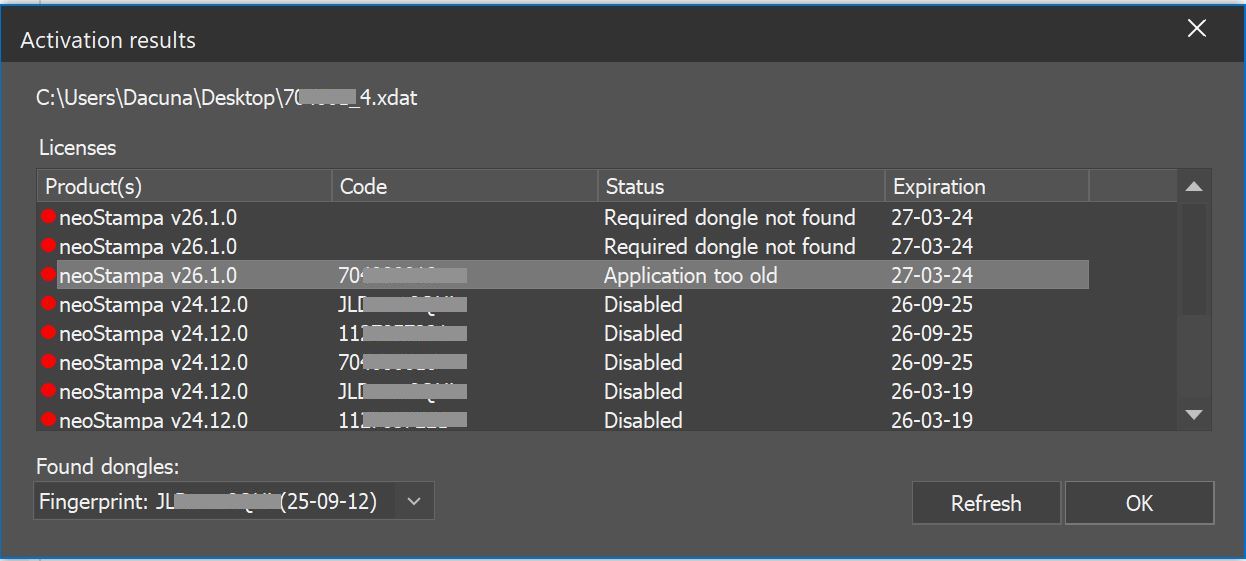
Solution:
Download and install the latest neoStampa version available for your license.
Open the License Manager.
Load the license file again and activate it.
Note: neoStampa licenses include one year of updates and technical support from the purchase date. If your update period has expired, contact our Support Team before updating.