
A CSV file that includes the list of color replacements can be easily imported into a neoStampa color scheme.
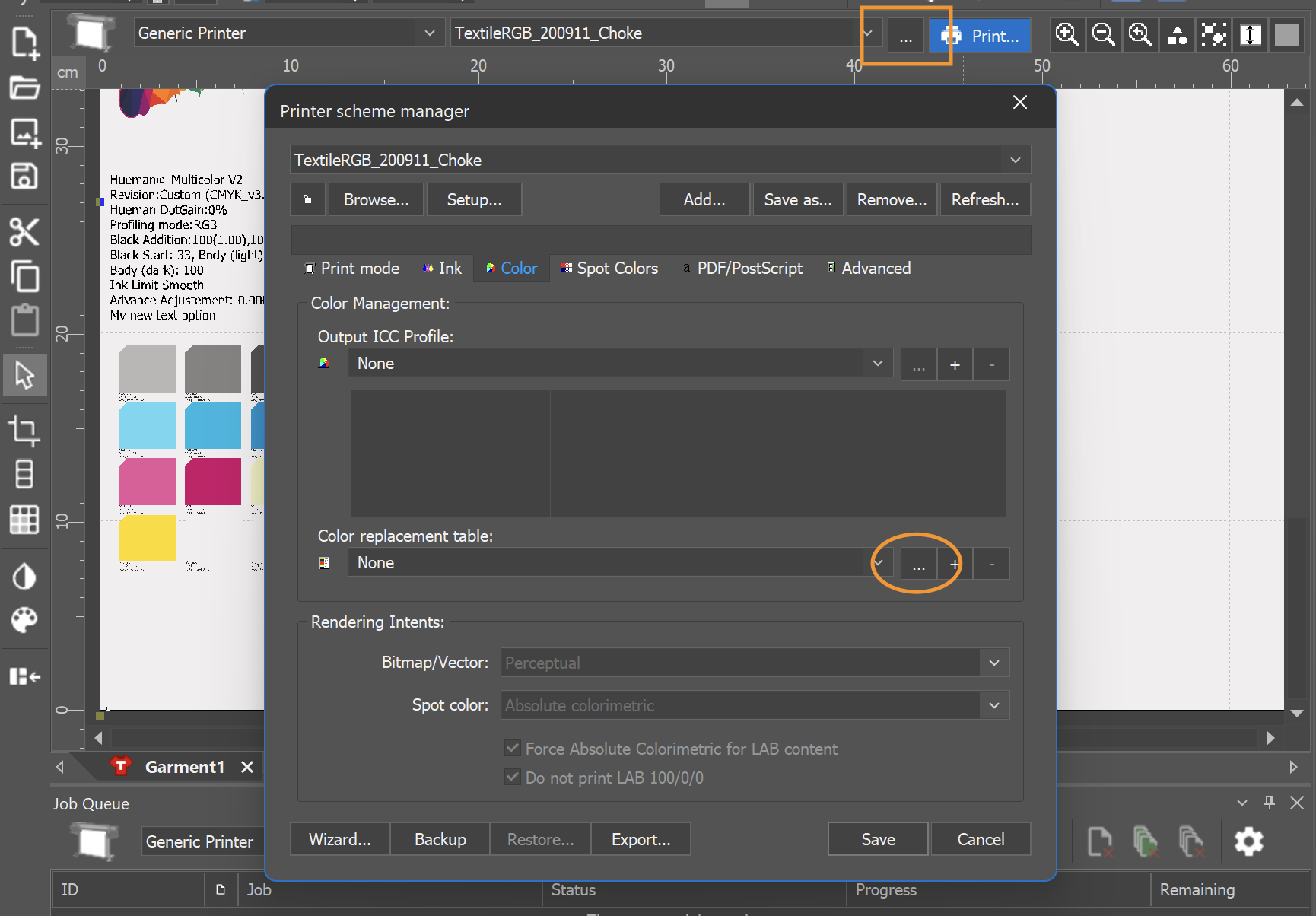
- Select the appropriate color scheme and click the three-point icon to the left of Print.
- Click on the Color tab, navigate to the Color replacement table, and click on Edit. Ensure that any previously defined color replacement table is selected beforehand.
- Click on Import... to load your CSV or XML file.
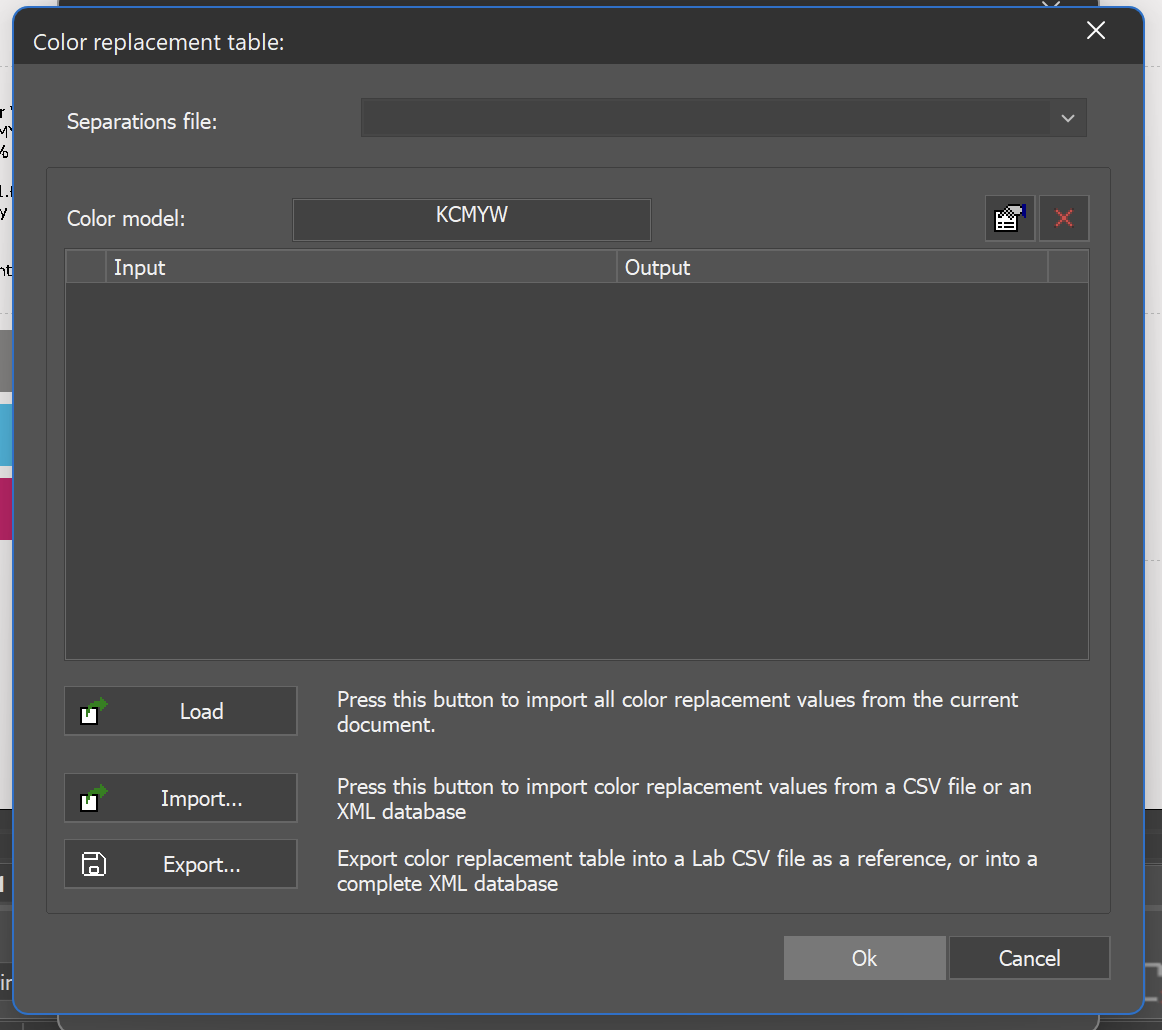
- The list will be imported automatically.

- If the color file lacks a name, enter one and click Ok.
- Finally, ensure that this table is selected in the Color Replacement table drop-down menu and save the printer scheme.

Related articles:
Format specifications of the CSV for the Color Replacement file