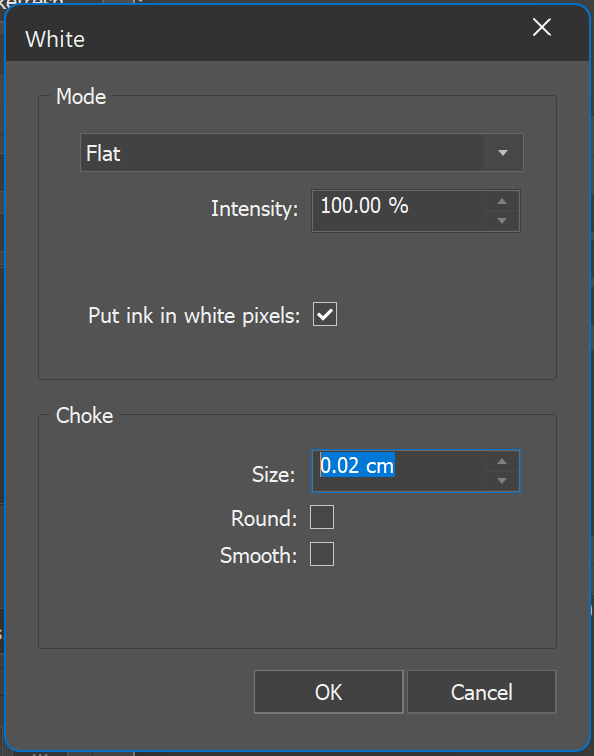
To reduce the rendering border using shapes, you need to apply the 'Choke' function. It reduces the amount of ink around the edges of the printed color. To apply choke to white ink, add the size to be removed from the border. With 'Round' and 'Smooth', you can soften the borders and reduce the pixelized effect. See the choke samples attached.
This is managed in the individual scheme under the ink set when selecting White ink and White curves.
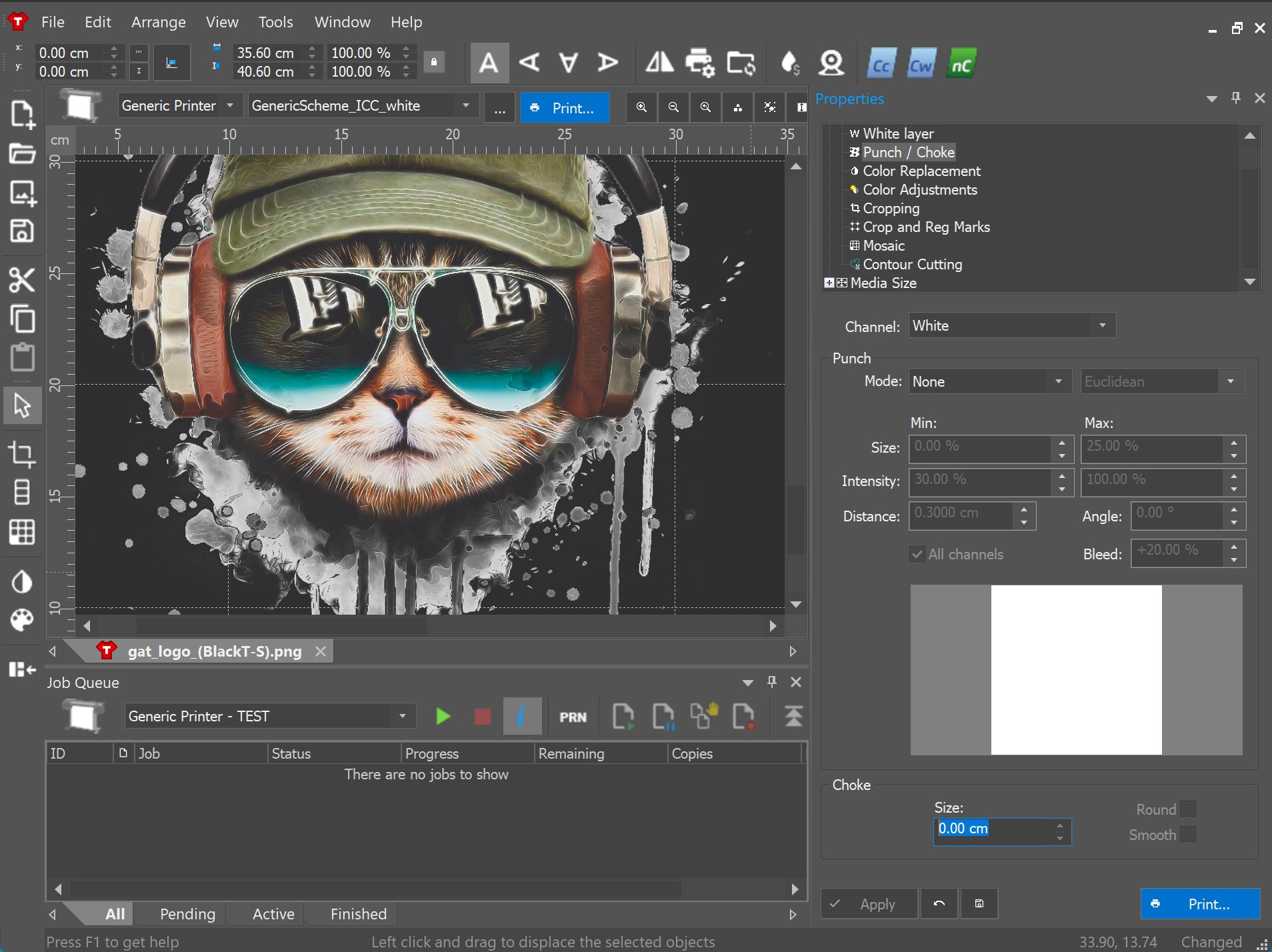
Alternatively, you can access the Choke options by opening a Garment document, and then heading to 'Properties > Punch/Choke' enabling you to make adjustments to the active print document and apply them to the scheme.
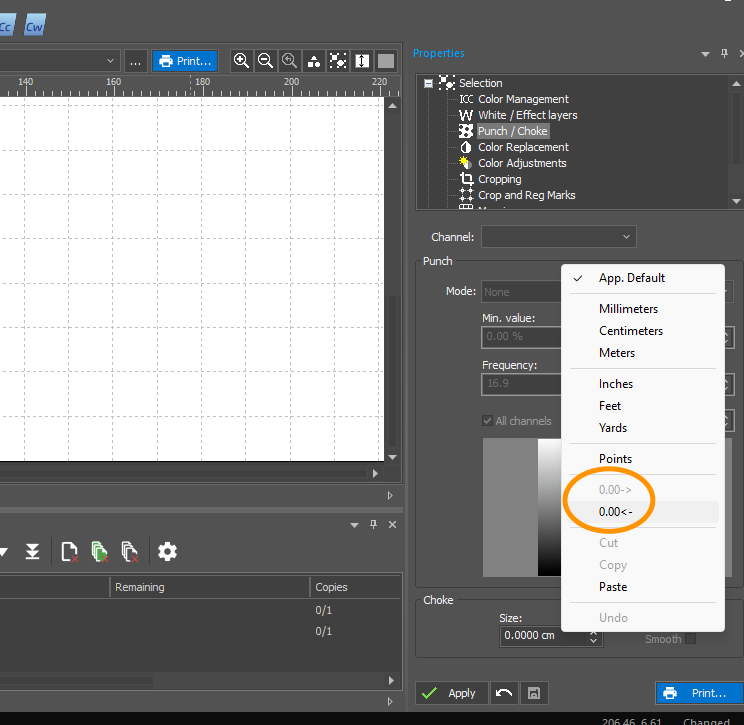
To adjust the number of decimal digits, right-click the choke value and choose to add or subtract digits.
▶️ Watch video