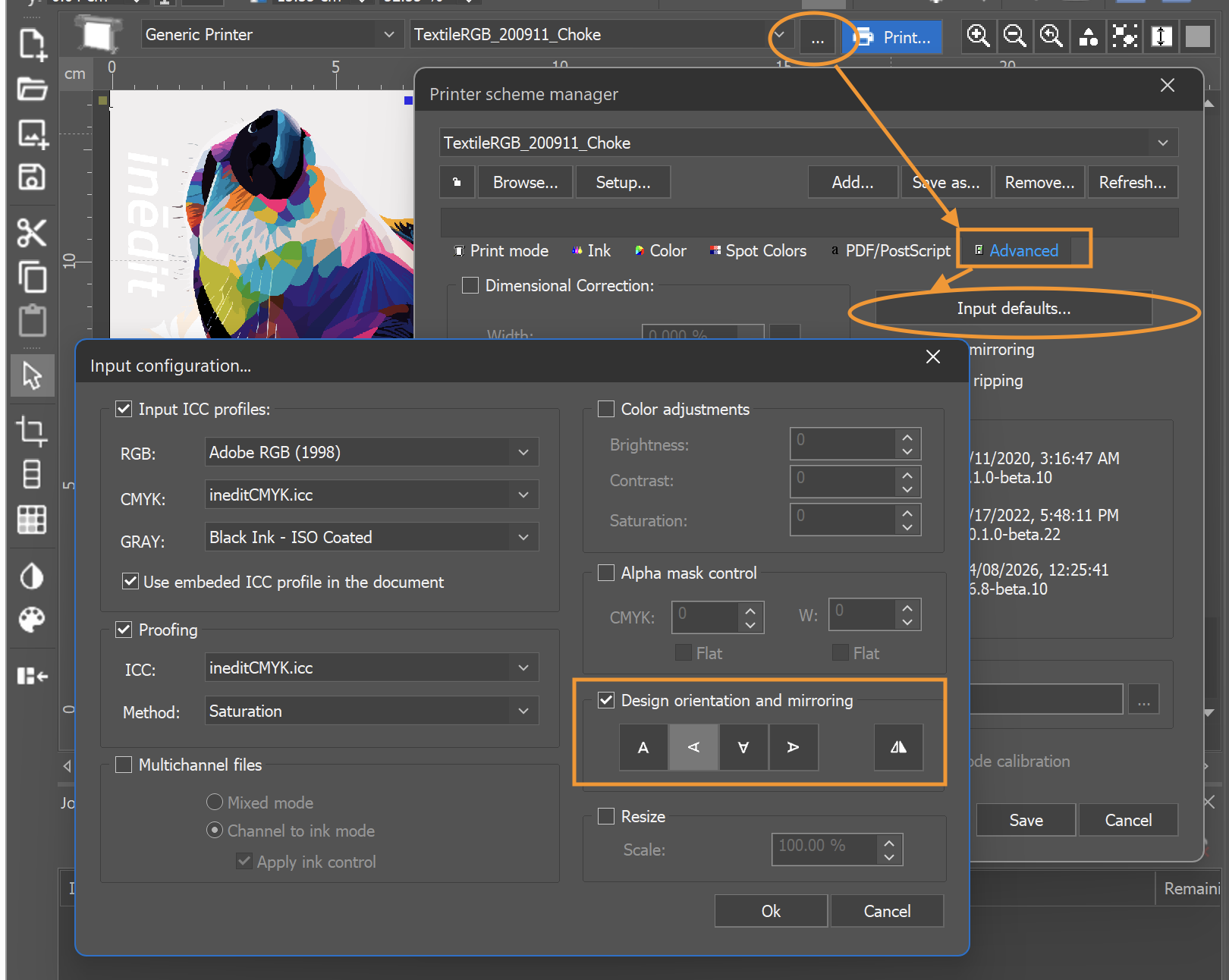
Print documents can be rotated using the default rotation options or by applying an arbitrary rotation angle.
INFO: The print job page is displayed 90° counterclockwise compared to the printing direction. Keep this orientation in mind when applying rotations.
Default Rotations
Use the rotation buttons in the top toolbar to quickly rotate the selected print document using the predefined rotation options. The configured rotation is automatically applied when documents are loaded using that printer scheme.
Orientation 0 | Orientation 90 | Orientation 180 | Orientation 270 |
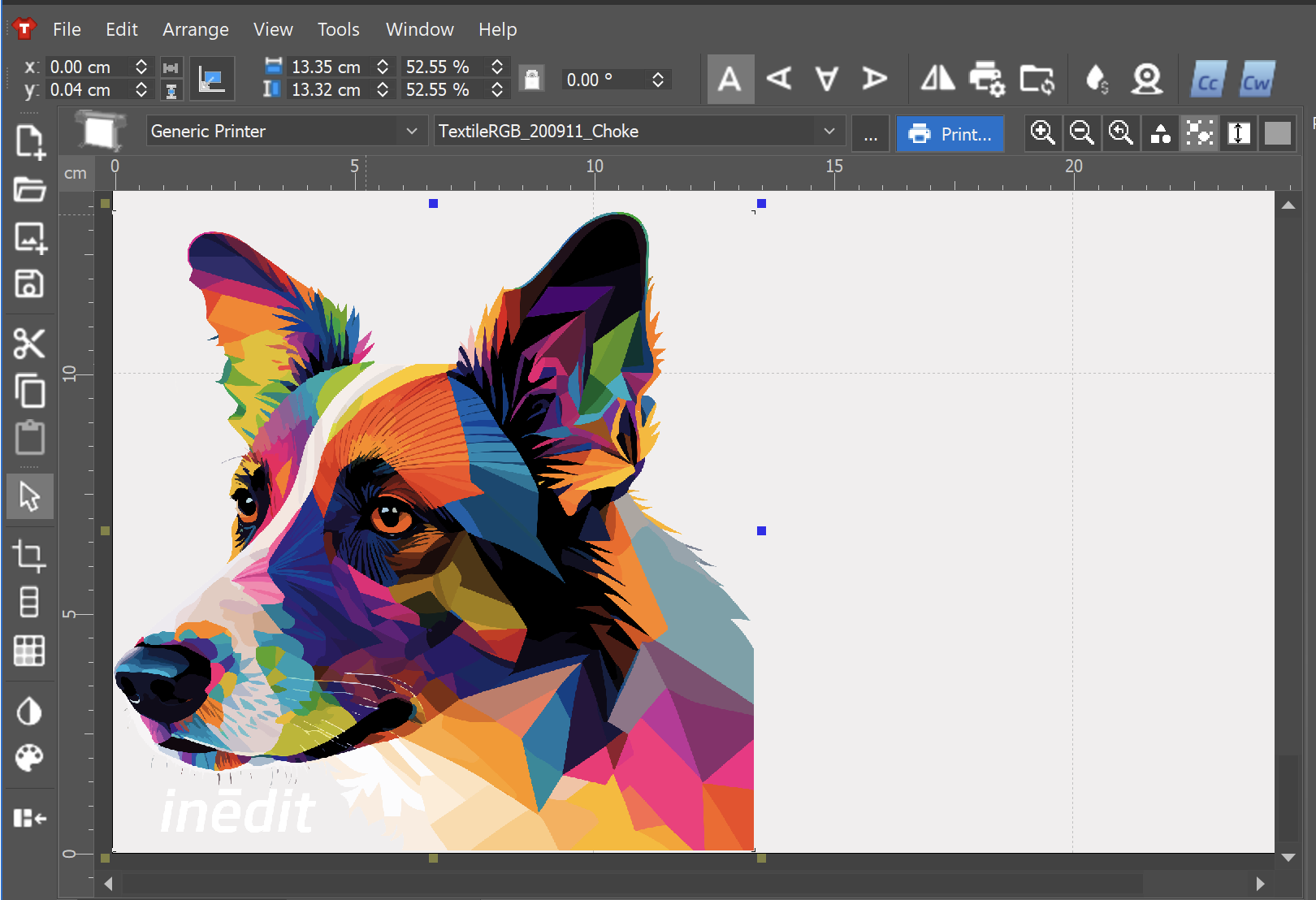 | 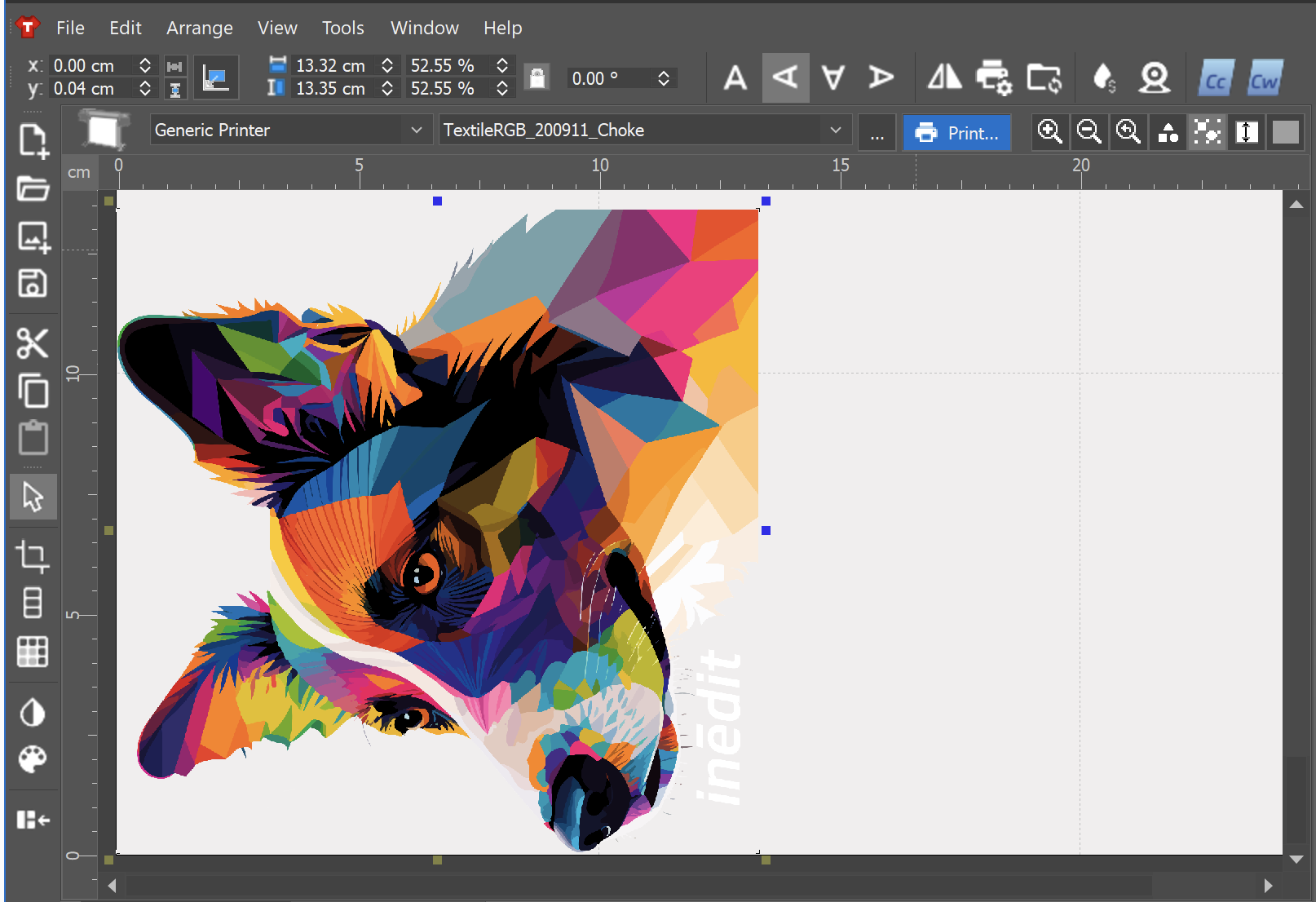 | 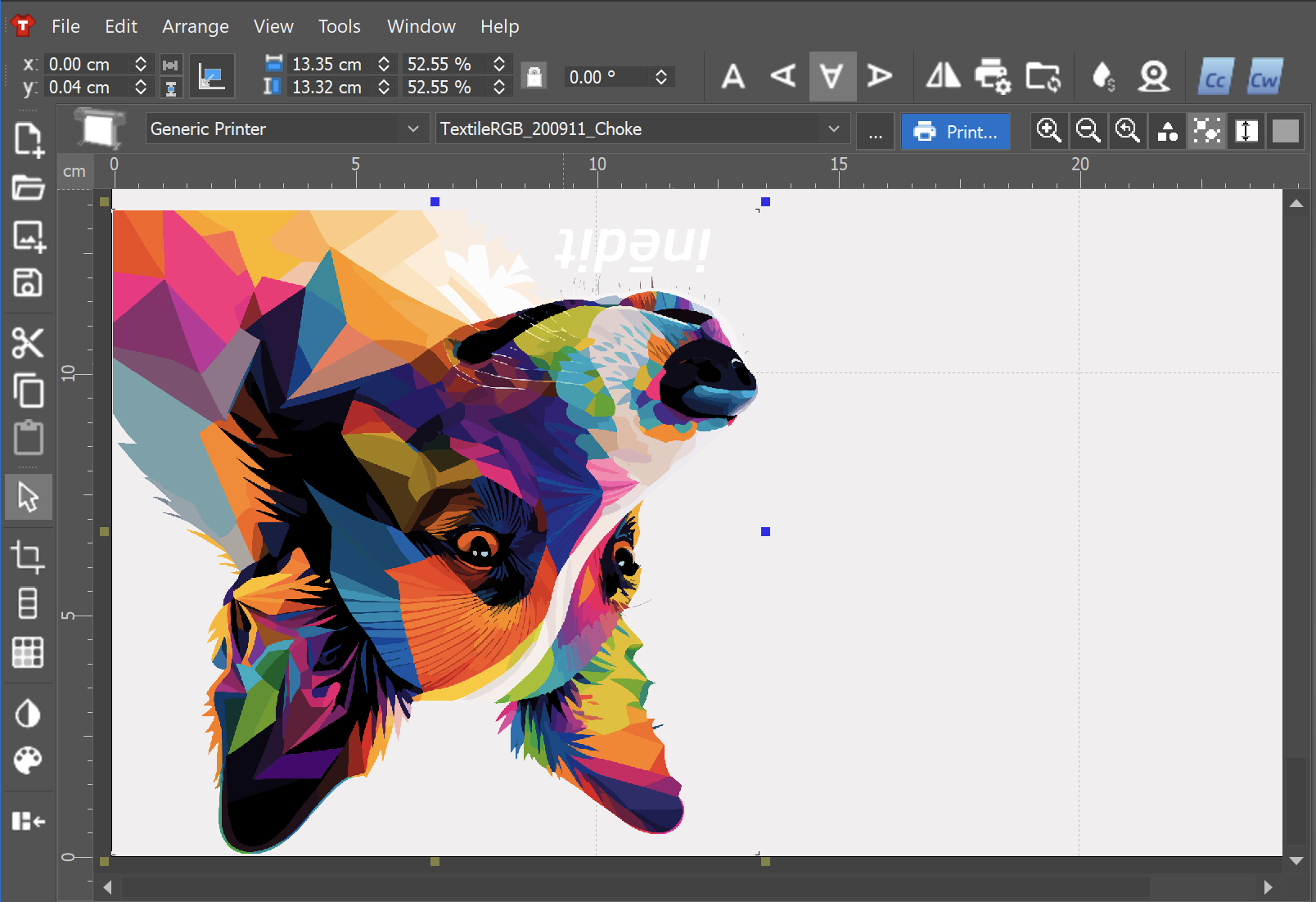 | 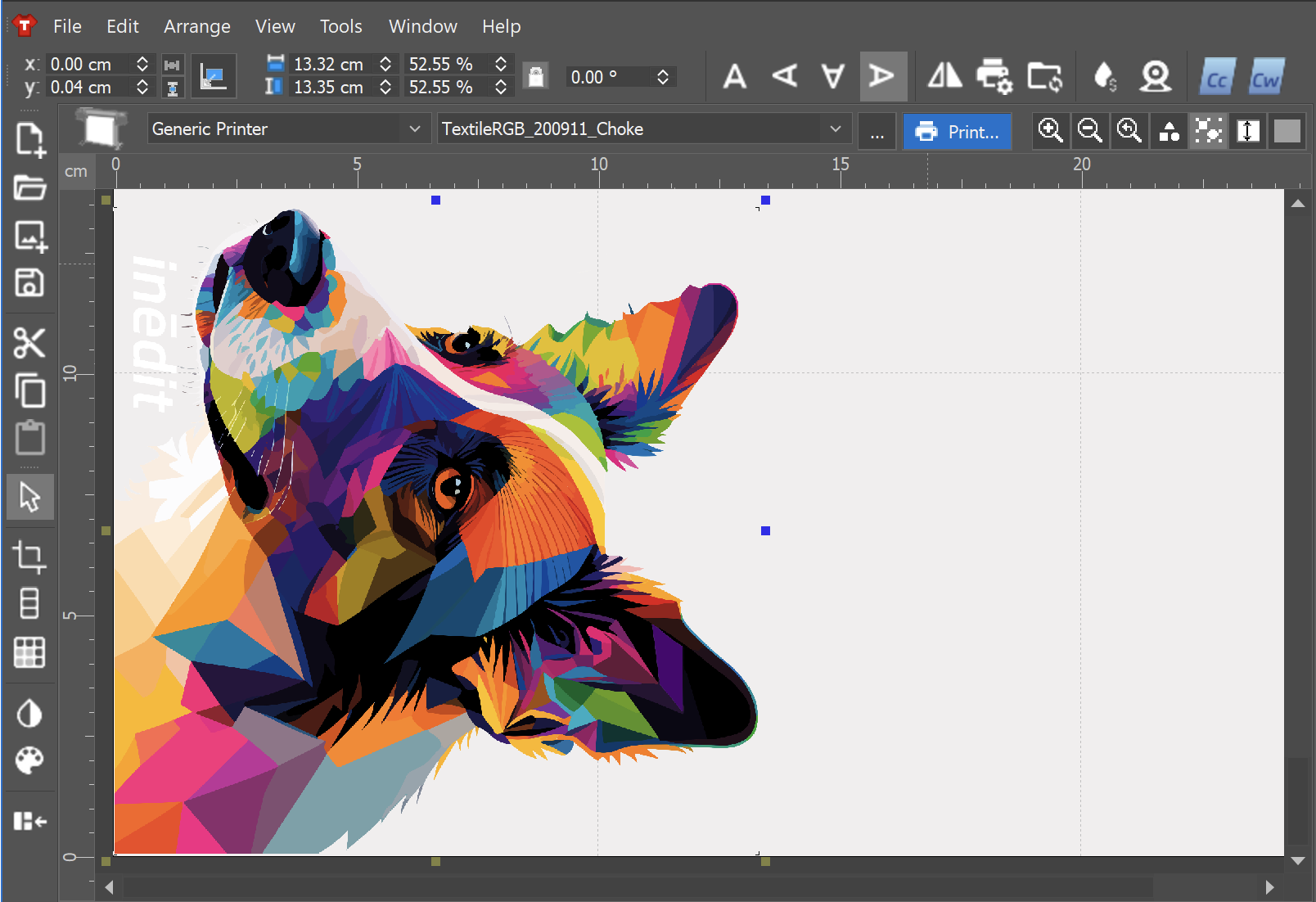 |
The default rotation can also be configured at the Printer Scheme level: Printer Scheme Manager > Advanced > Input Defaults > Design orientation and mirroring.