
Problema
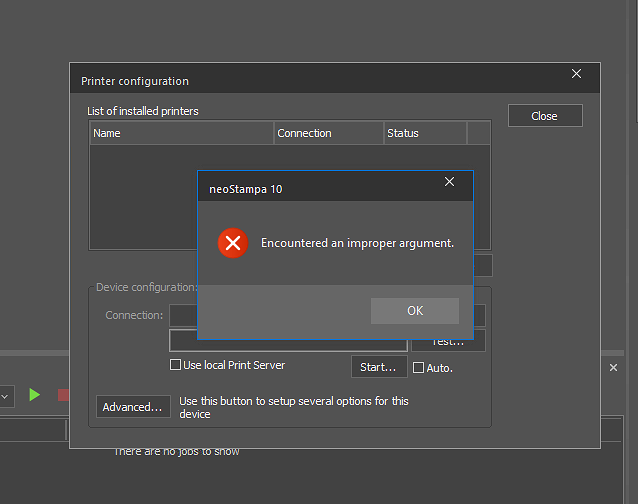
Al intentar agregar un controlador a la configuración de la impresora o iniciar una nueva calibración, aparece el mensaje de error "Se encontró un argumento incorrecto", lo que impide agregar el controlador.
Posible causa
Este error puede deberse a problemas de codificación de caracteres en la lista de controladores instalados. En sistemas coreanos (u otras configuraciones de sistema operativo que no sean en inglés), los caracteres especiales o el texto codificado incorrectamente pueden provocar errores de análisis, lo que causa que aparezca este mensaje.
Solución
Agregue el controlador eliminando todos los caracteres que puedan causar problemas de codificación.