
Problem
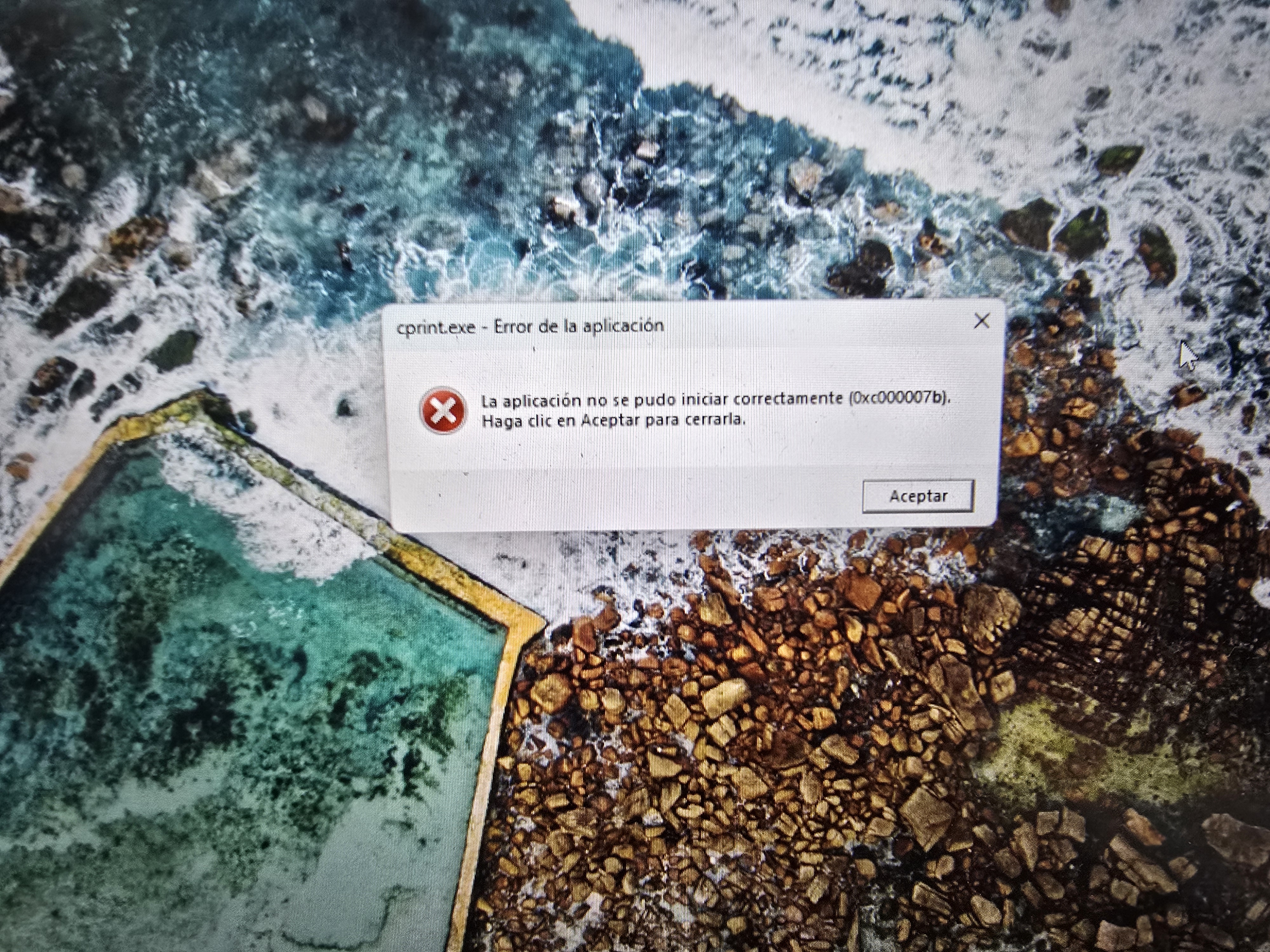
When running neoStampa, then a alerts is shown "The Application Was Unable to Start Correctly (0xc000007b)"
Solution
- Check that Windows 10/11 is up to date.
- Download and reinstall last DirectX package available.
- Run neoStampa.
- If some alerts appear asking for several .dll files, like concrt140.dll or msvcp140.dll, dlls located on C:\Program Files (x86)\Inedit\neoStampa 10, copy them from a currently running nS installation (same nS version or newer) and replace them.
- Restart PC.
- Run neoStampa again.
Related articles: