
The error message may appear when starting the application.
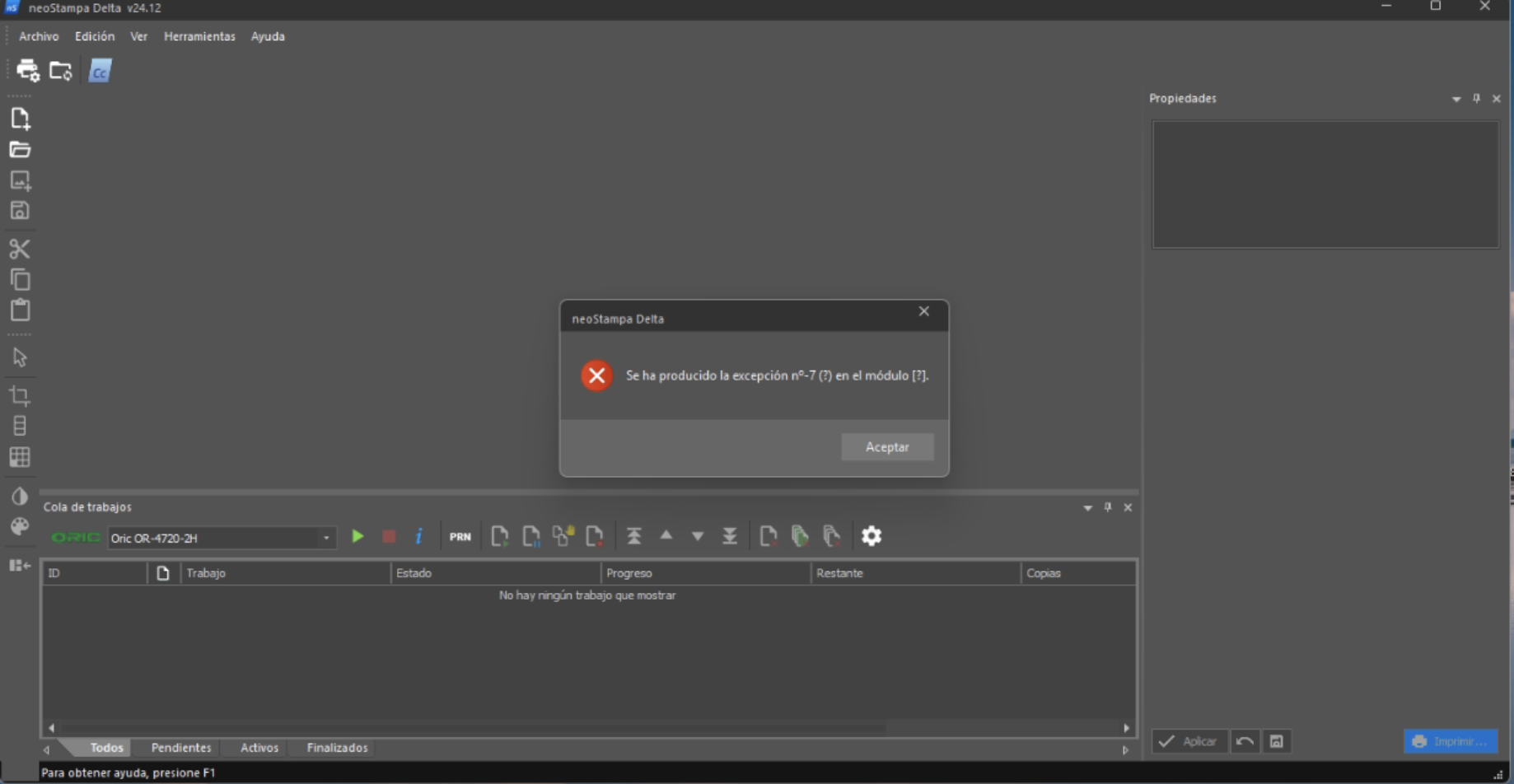
The most common causes are:
- Corrupted temporary files generated by the application.
- The system drive is running out of free disk space.
- Incomplete shutdowns or unexpected crashes that damaged cache files.
- Restricted access permissions to temporary folders.
Possible Solution
- Close the application.
- Delete temporary print files: C:\Users\Public\Documents\neoStampa 10\Jobs\RIP
- Make sure the system drive has enough free space available (at least 20–30 GB of free space).
- Restart the computer.
- Open the application again.