
Problem
When starting neoStampa, the application does not open, and Windows displays an error indicating that a DLL file is invalid or cannot be executed. The error may include the following code: 0xc0e90002.
Cause
This issue may occur when Windows Security blocks or restricts files required to run neoStampa.
Solution
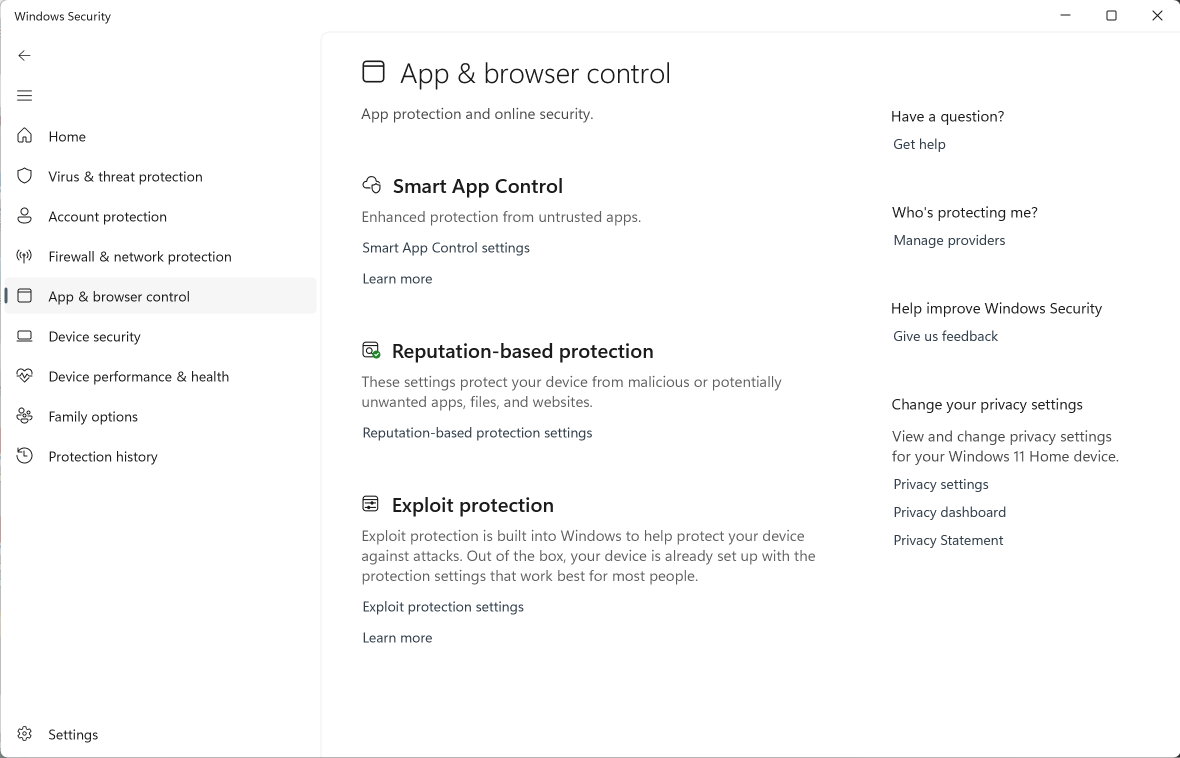
Open Windows Security.
Go to App & browser control.
Check whether Smart App Control is enabled.
If enabled, disable it.
Reinstall neoStampa.
Start neoStampa again and check whether the application opens correctly.
Important
- Windows may not allow Smart App Control to be enabled again without resetting or reinstalling Windows. Check with your IT administrator before changing this setting.
- If the issue persists after reinstalling neoStampa, contact our Support team and provide a screenshot of the error message.