
Symptoms
When attempting to open a PNG image, neoStampa displays the following error message:
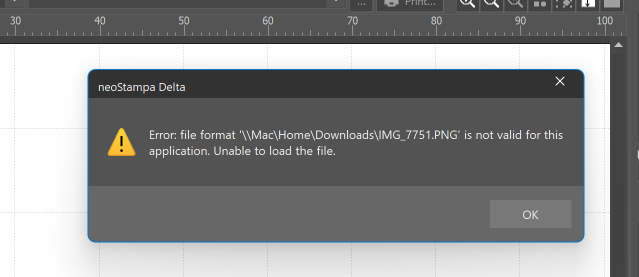
Error: file format '\Downloads\IMG.PNG' is not valid for this application. Unable to load the file.
The image cannot be imported or opened.
Cause
This error commonly occurs when the PNG file is saved as a 16-bit PNG. Some applications and workflows only support 8-bit PNG images, and therefore cannot process 16-bit PNG files.
Although the file extension is .PNG, the bit depth of the image may be incompatible with the application.
Solution
Convert the image from 16-bit PNG to 8-bit PNG using an image editing application such as:
Adobe Photoshop
GIMP
Adobe Photoshop
Open the PNG file in Photoshop.
Select Image > Mode > 8 Bits/Channel.
Save the file as a new PNG image.
Try opening the new file in neoStampa.
GIMP
Open the PNG file in GIMP.
Select Image > Precision.
Change the precision to 8-bit Integer.
Export the image as a PNG file.
Open the exported file in neoStampa.
How to verify the bit depth
In most image editing applications, the image properties will indicate whether the PNG is:
8-bit (supported)
16-bit (may not be supported)
If you are unsure, send the image file to Technical Support for verification.
Additional Information
If the error persists after converting the image to 8-bit PNG, please provide:
The original PNG file
A screenshot of the error message
The neoStampa version being used
The calibration printer scheme being used
Technical Support can then investigate whether another file compatibility issue is present.