
Problem
After installing neoStampa, some users may experience unusual behavior blocking neoStampa processes.
Possible Symptoms
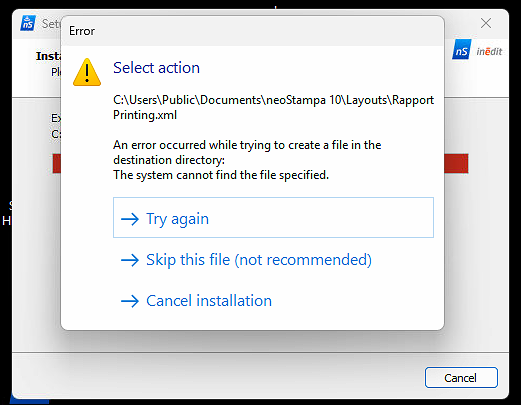
When installing neoStampa, a warning message may appear during the process.
Attempting to delete the current plotter driver shows a message indicating that the current document must be closed, even though no document is open.
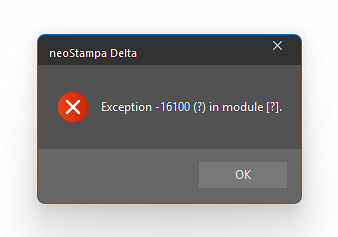
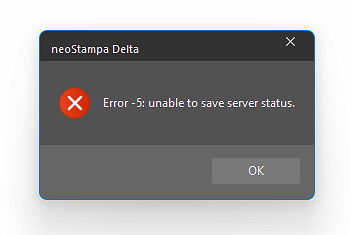
- When quitting the neoStampa, two alerts appear consecutively:
- Exception - 16100 (?) in module [?).
- Error -5: unable to save server status.
- Exception - 16100 (?) in module [?).
neoStampa or related applications cannot save files in
Users/Public/Public Documents.This may affect Scheme calibrations, Log files, and other generated files
The neoControl service repeatedly attempts to start but fails.
Cause
These issues are typically caused by Windows Ransomware protection (Controlled folder access) blocking neoStampa from writing to protected directories. This security feature is designed to prevent unauthorized applications to write any data.
Solution
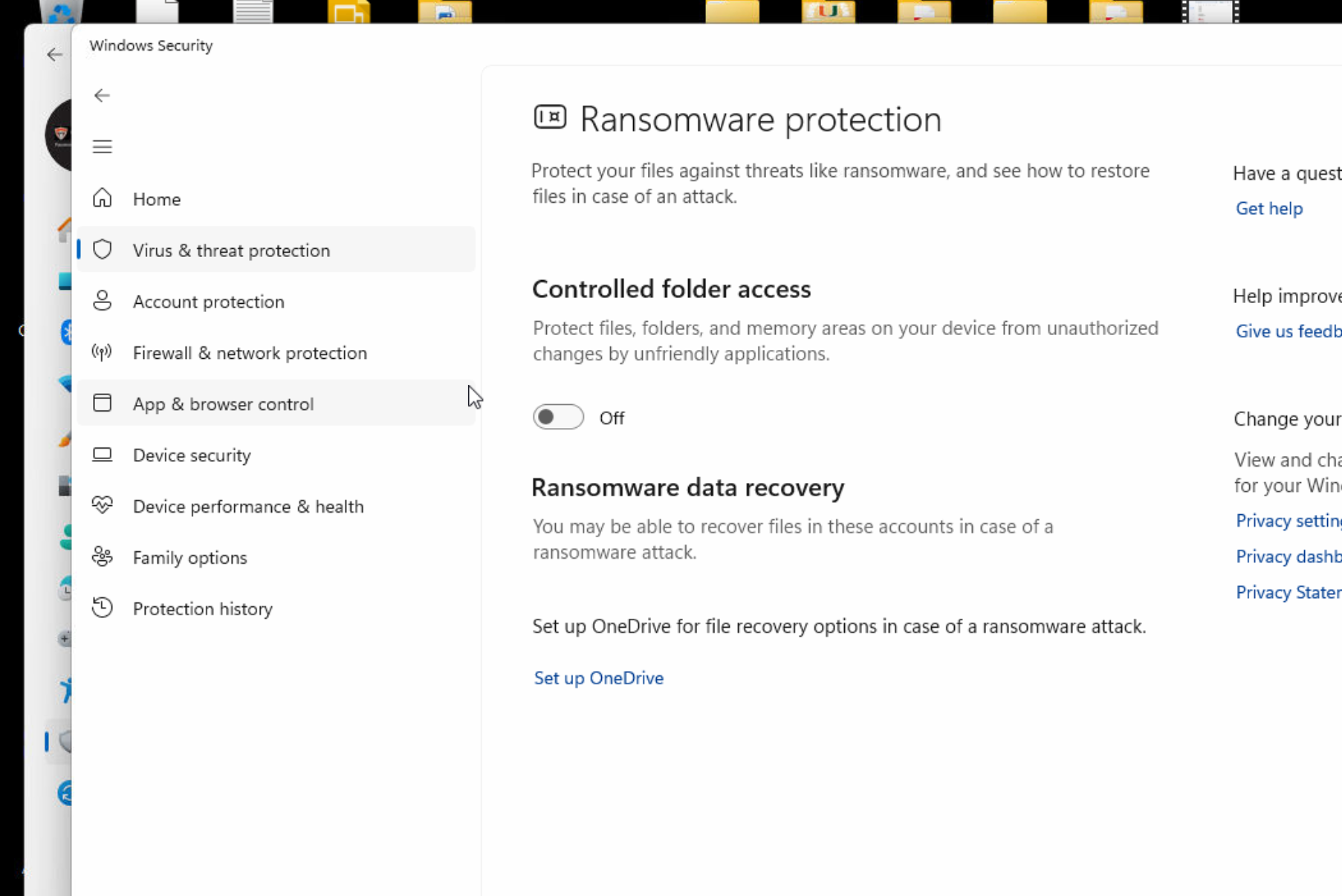
1. Disable Ransomware protection (for testing)
Open Windows Security
Go to Virus & threat protection
Open Ransomware protection
Locate Controlled folder access
Temporarily set it to Off
Test neoStampa again and verify that the issues no longer occur.
2. Allow neoStampa as an authorized application
If you want to keep ransomware protection enabled:
Go to Windows Security → Virus & threat protection → Ransomware protection
Open Allow an app through Controlled folder access
Add the neoStampa executables to the allowed list.