
Issue
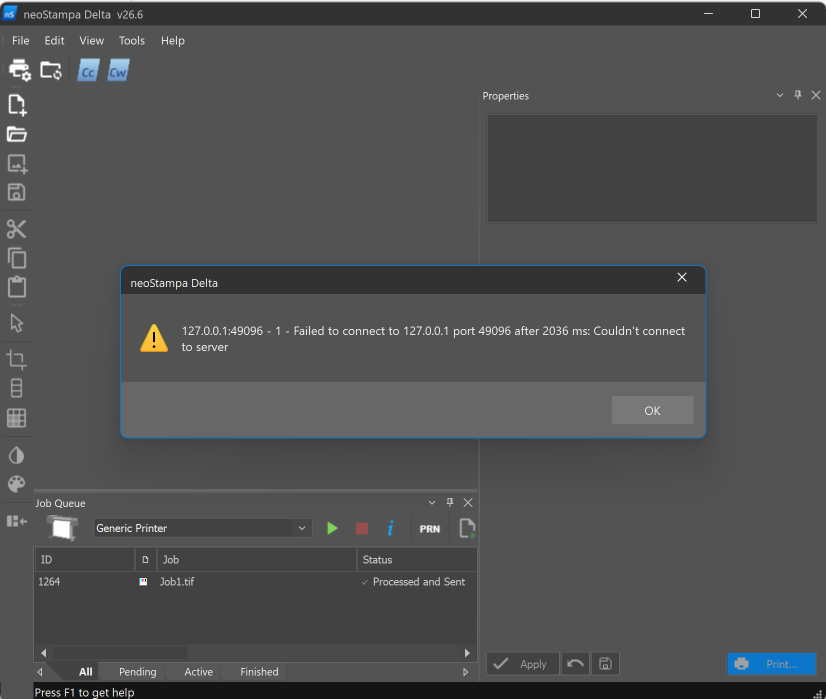
When starting neoStampa or opening the Print Server queue, the following warning message appears:
127.0.0.1:49096 - 1 - Failed to connect to 127.0.0.1 port 49096 after 2036 ms: Couldn't connect to server
Cause
This error typically occurs because the neoPrintServer process is still running in the background or the communication port is already occupied by a previous instance of the Print Server.
Resolution
Follow these steps to resolve the issue:
Close neoStampa.
Open Task Manager (
Ctrl + Shift + Esc).In the Processes or Details tab, locate neoPrintServer.exe.
If the process is running, select it and click End Task.
Restart neoStampa and verify that the Print Server starts correctly.
If neoPrintServer.exe is not listed or the problem persists:
Restart your computer.
Launch neoStampa again and check whether the Print Server starts normally.
If the Issue Continues
If the error still appears after restarting the computer:
Verify that no security software or firewall is blocking neoPrintServer.exe.
Contact Technical Support and include:
A screenshot of the error message.
The neoStampa version.
The Windows version.
Any recent changes made to the system (updates, antivirus, firewall, etc.).